Kitchenomics
Cook what you've got. Waste less. Pay less. Kitchenomics knows what's in your kitchen and when it goes off, suggests meals that use it up, and remembers what you paid so you can spot a bad deal.
Free, with a one-off Pro unlock. No ads, no account needed.
Your kitchen, sorted
Most meal planners start with a recipe. Kitchenomics starts with what's already in.
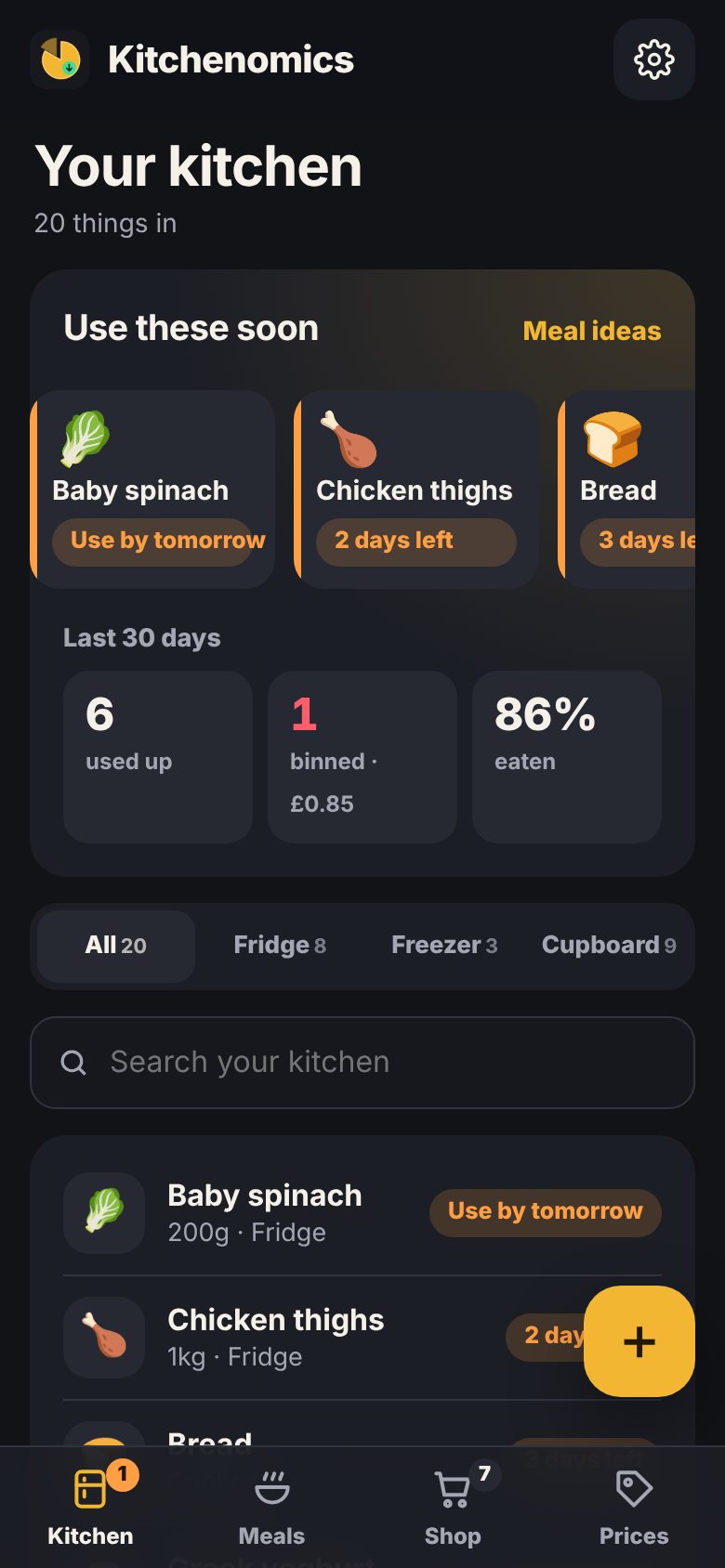
Use it before you lose it
Everything in your fridge, freezer and cupboards with a use-by date. The stuff that's about to turn sits right at the top, with an evening nudge if you want one.
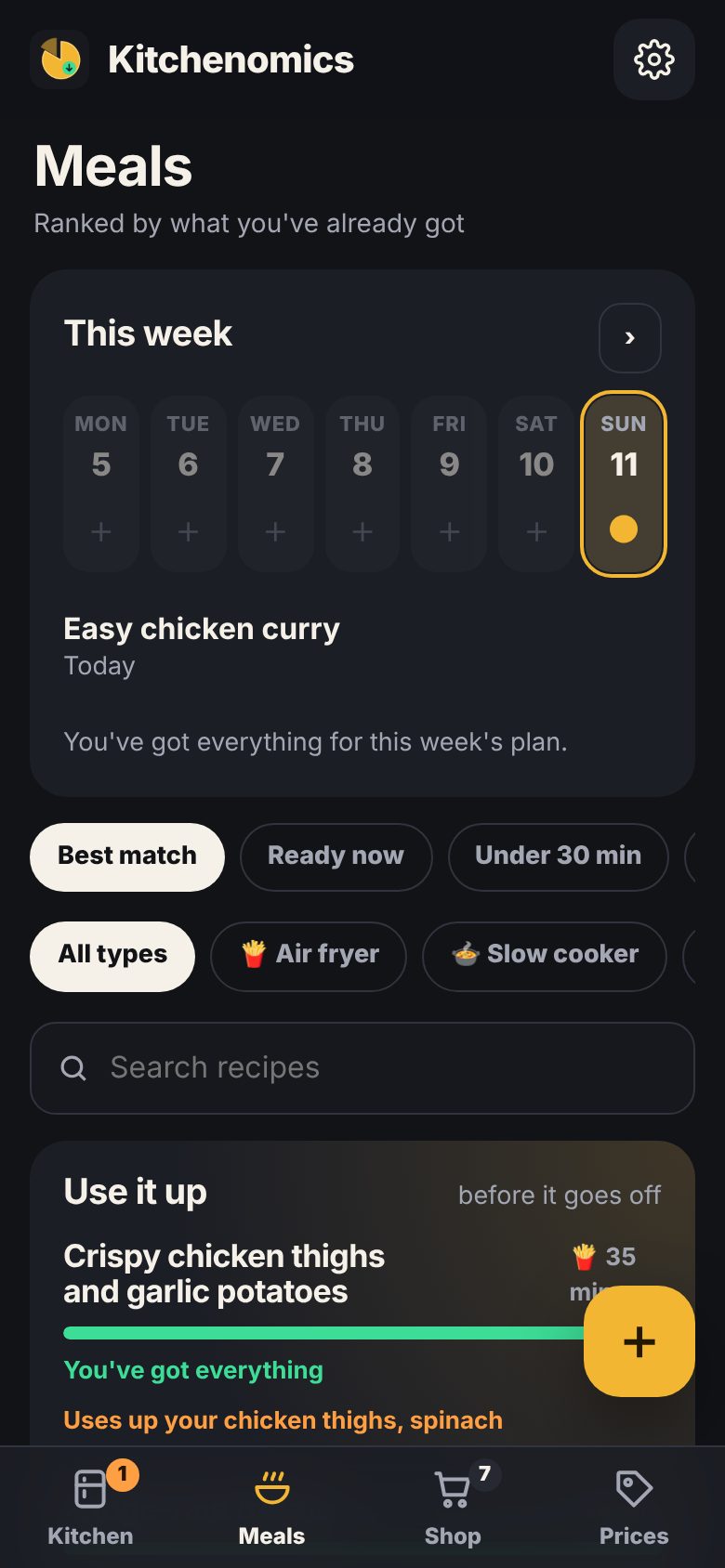
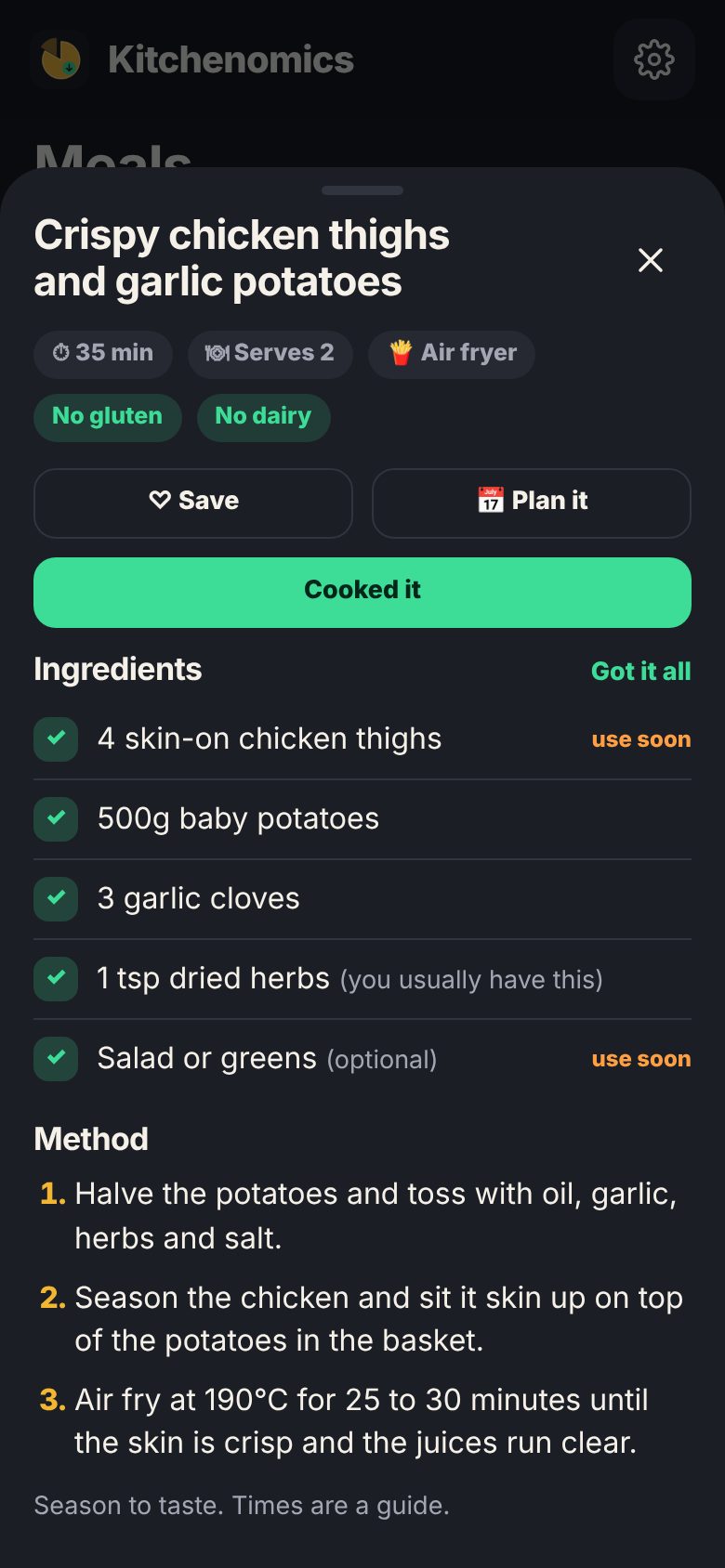
Meals from what's in
Over 120 recipes, from Friday-night fakeaways to air fryer and slow cooker favourites, plus your own. Tell it what kit you've got and which meals you never fancy, and it ranks the rest by what's already in.
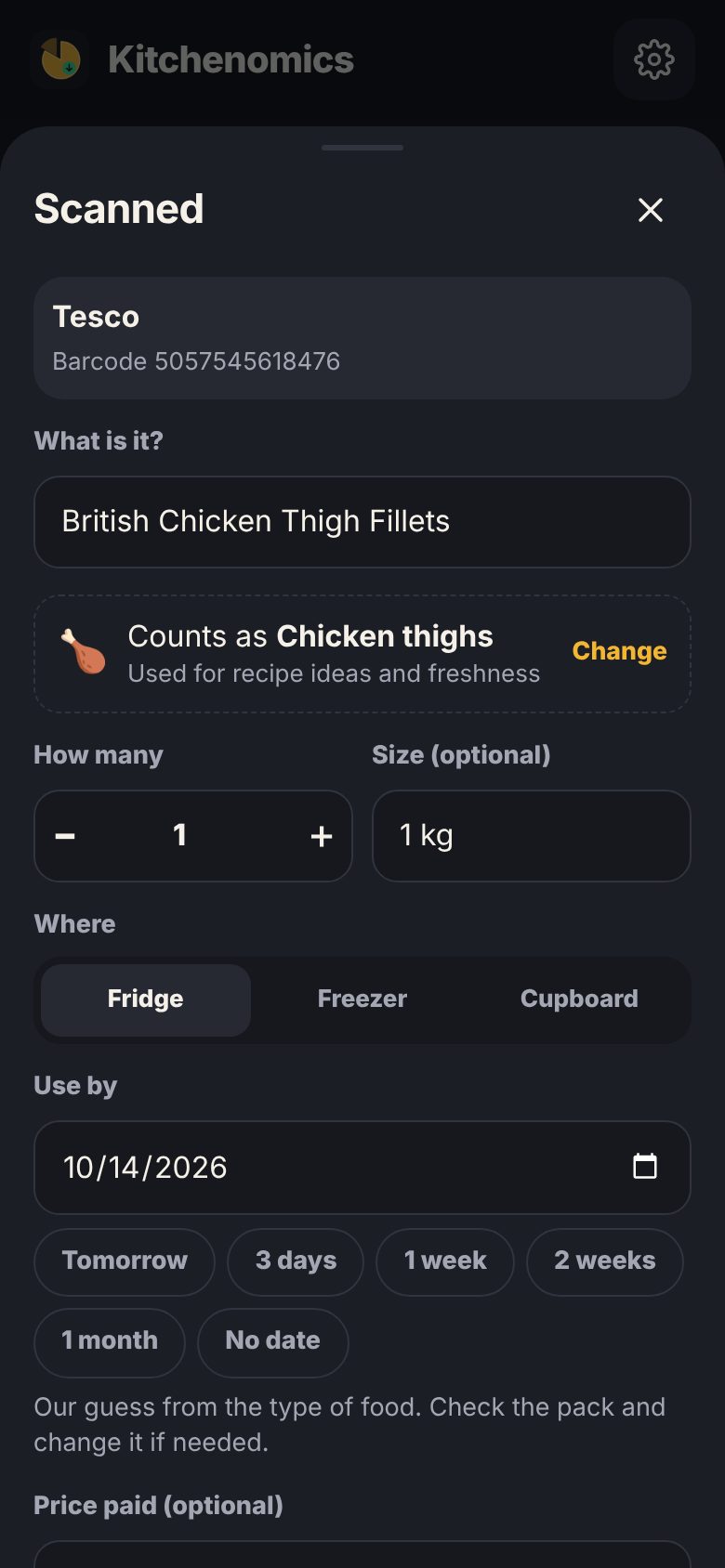
Scan as you unpack
Point your camera at a barcode and it's in, with a sensible use-by guess. Or tap through the quick list: milk, eggs, bread, done.
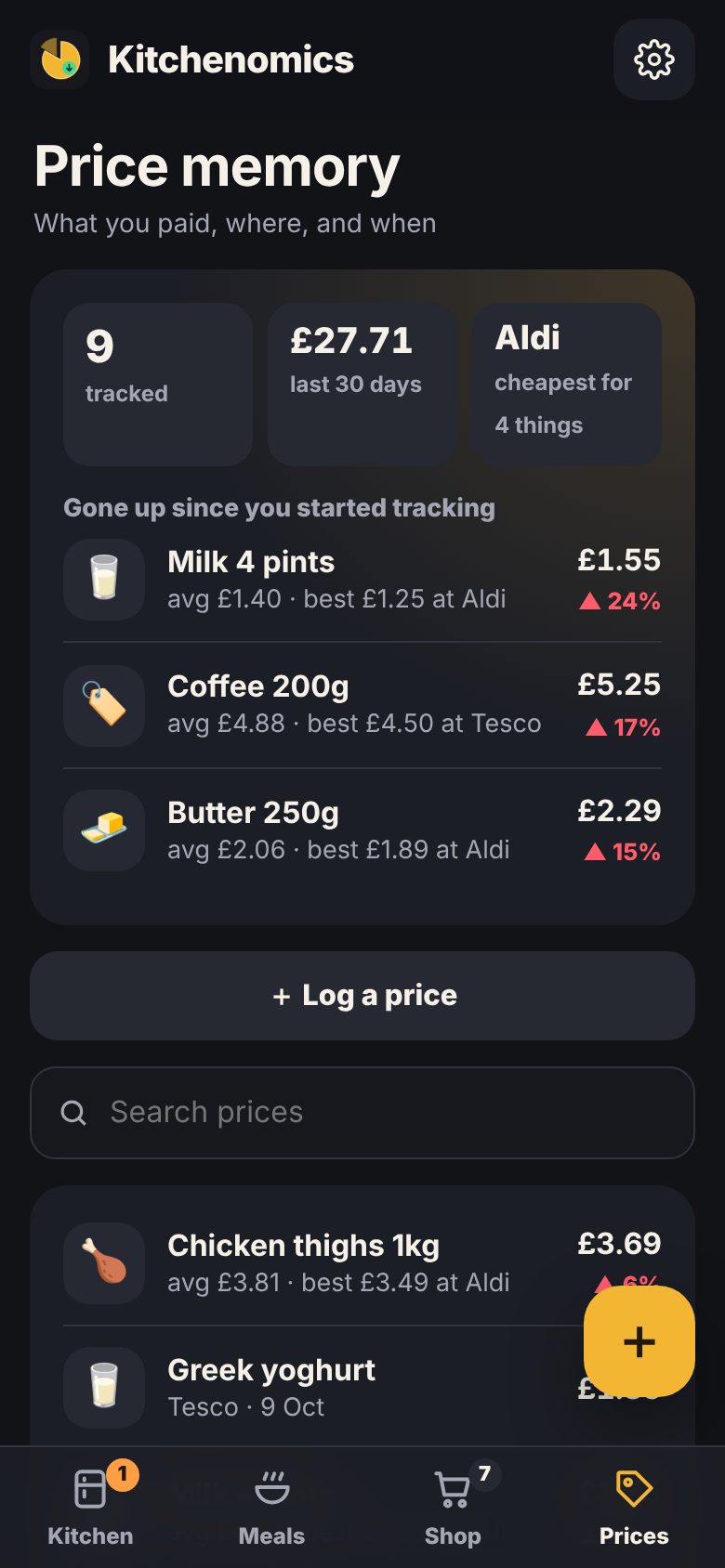
Price memory
Add what you paid as you put shopping away. Next time it tells you if it's a good deal, what you usually pay, and which shop was cheapest. You can switch it off.
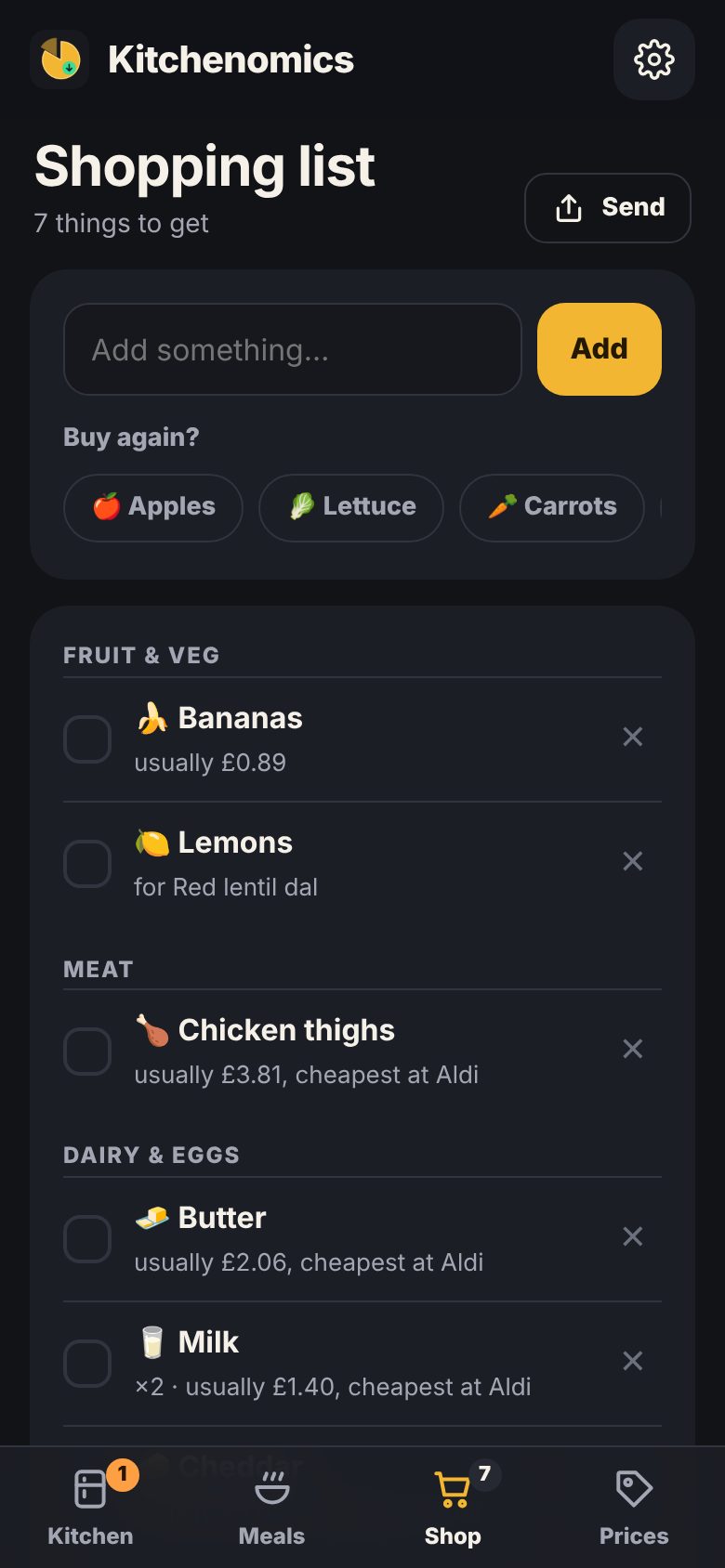
A list that fills itself
Plan the week, then add every missing ingredient in one tap. Tick things off in the shop, then put it all away in one go.
One kitchen, whole household
Share with the people you live with. When they grab the milk, it's off your list too.
How it works
Unpack your shopping and scan or quick add it. Use-by dates are filled in for you.
Check Meals for ideas that use what's going off first, and plan the week.
Add what's missing to your list, tick it off in the shop, and log prices as you put it away.
Product names come from Open Food Facts, the free, open food database. Anything it doesn't know, you name once and Kitchenomics remembers.
Pricing
Free for the everyday stuff, with a one-off Pro unlock.
Free
- Your kitchen with use-by tracking
- Barcode scanning and quick add
- 120+ recipes and a weekly plan
- Shopping list
- Up to 10 of your own recipes
- Join someone's household
- Google Drive backup
Pro
- Price memory and deal alerts
- Start a shared household
- Unlimited recipes of your own
- Supports a small UK studio
Bought once on Google Play. Not a subscription.
FAQ
Do I have to scan everything?
No. Quick add covers most things in a few taps, and you can just type the rest. Start with the fridge, since that's where most waste happens.
How does it know when things go off?
It guesses from the type of food (milk about a week, mince a couple of days, tins much longer). Check the pack and change it if needed. Freezing something resets the date.
Is price memory tracking me?
No. You type in what you paid. Prices stay on your phone, and in your own Google Drive if you sign in. There's no tracking and no receipts sent anywhere.
Does it work with my air fryer or slow cooker?
Yes. Tell it what kit you have (air fryer, slow cooker, pressure cooker, blender and the rest) and it only suggests recipes you can actually make, with dedicated air fryer and slow cooker favourites.
I don't like curry. Can I hide it?
Yes. Switch off any meal types you never fancy, like curries or fish, and they disappear from your ideas. Change it any time in Settings.
Does it work offline?
Yes. Scanning a new product needs signal to look up its name, but everything else works offline.
What does a household share?
The kitchen, shopping list, meal plan, prices and your own recipes. Your settings and Google account stay yours.
Questions or ideas? support@gremlingarage.dev · Kitchenomics privacy policy