Homeward
Life on rotation, sorted. A countdown to home, life admin that knows when you're away, and a "who's home when" calendar your family can follow.
Free. Sign in with Google to keep it backed up and synced across devices.
Built for life on rotation
Other rota apps tell you when you're working. Homeward helps you live around it.
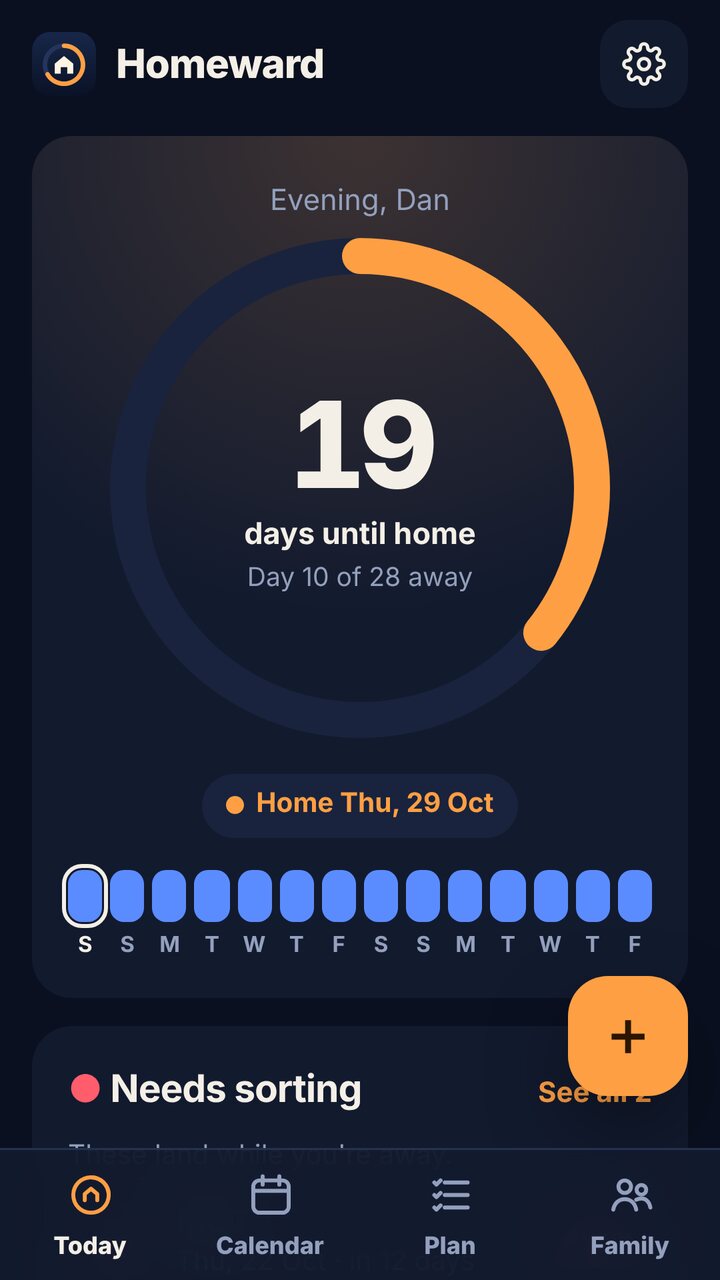
The countdown that matters
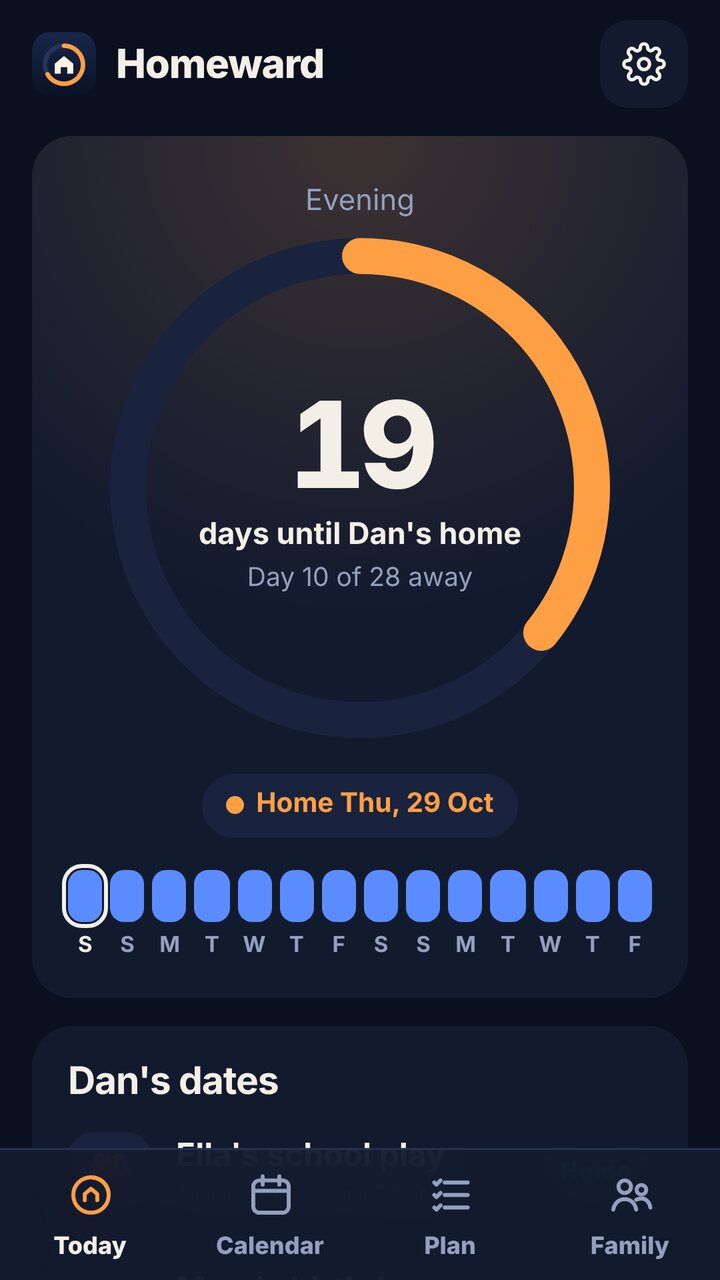
Days until home, or days of home left, with your next fortnight at a glance. Travel days, leave and swaps are all included.
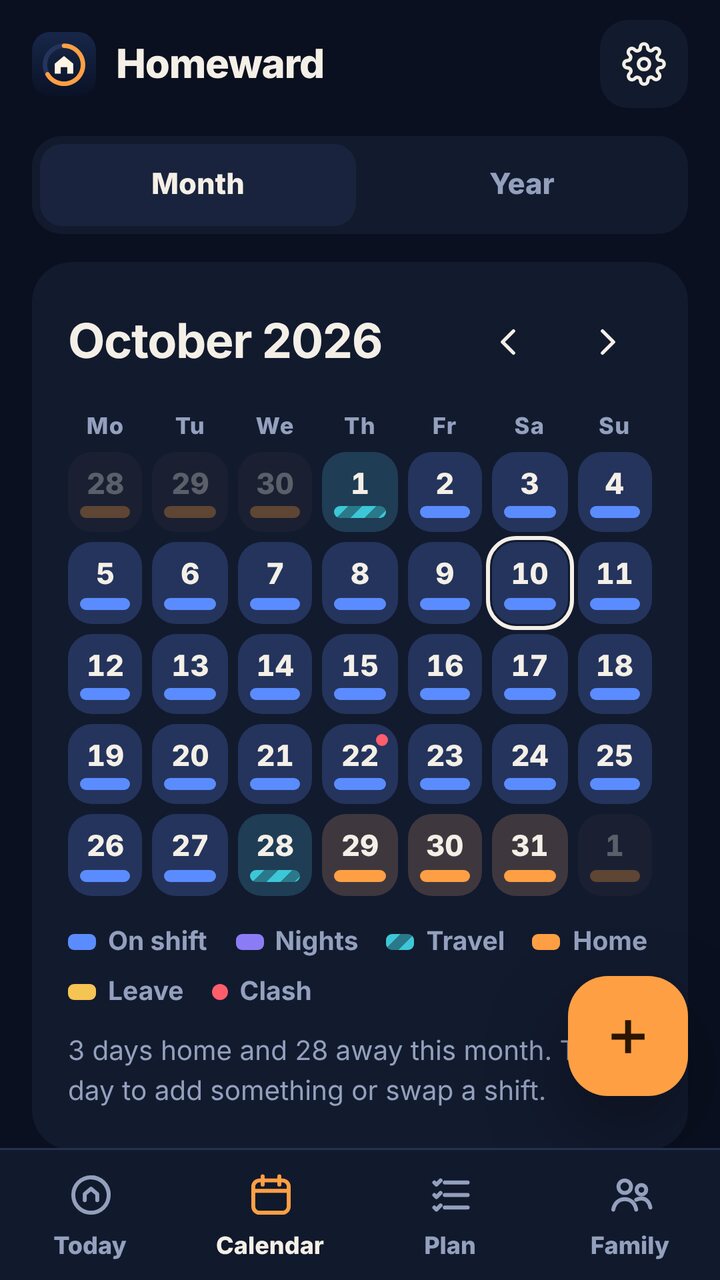
Clashes caught early
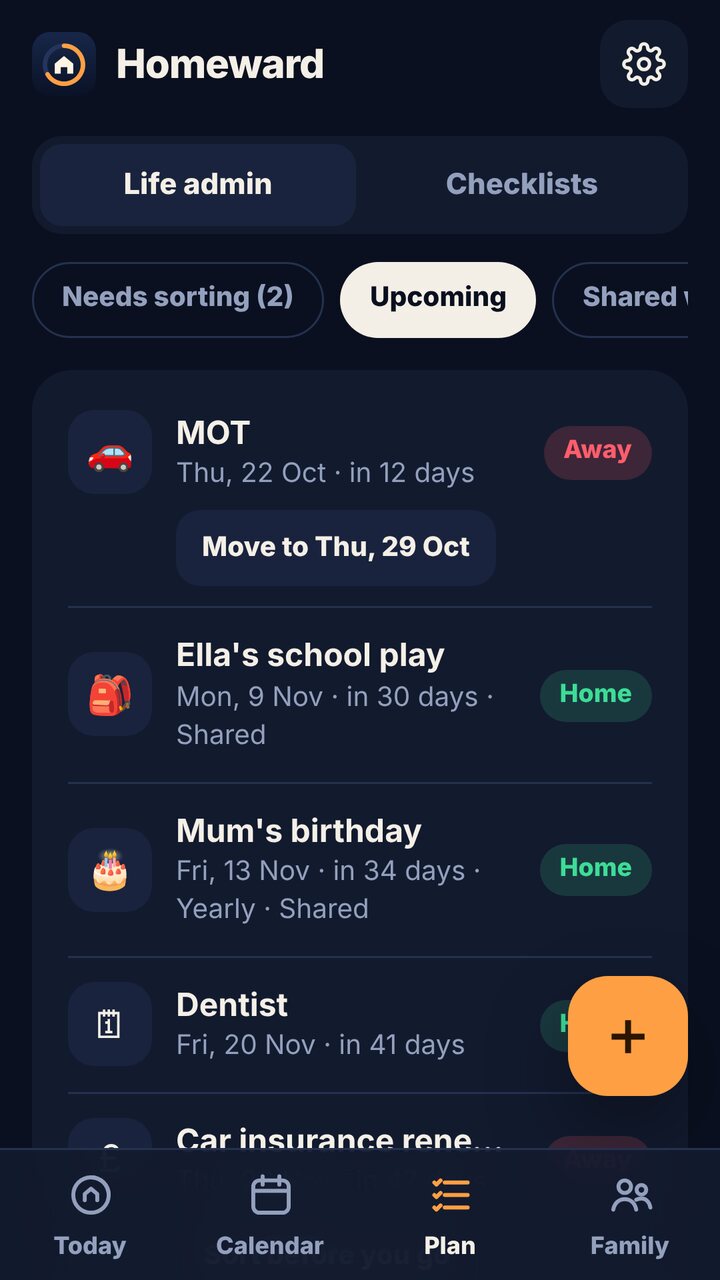
Add your MOT, bills, birthdays and appointments. Anything that lands while you're away gets flagged, with a one-tap move to your next home day.
Family in the loop
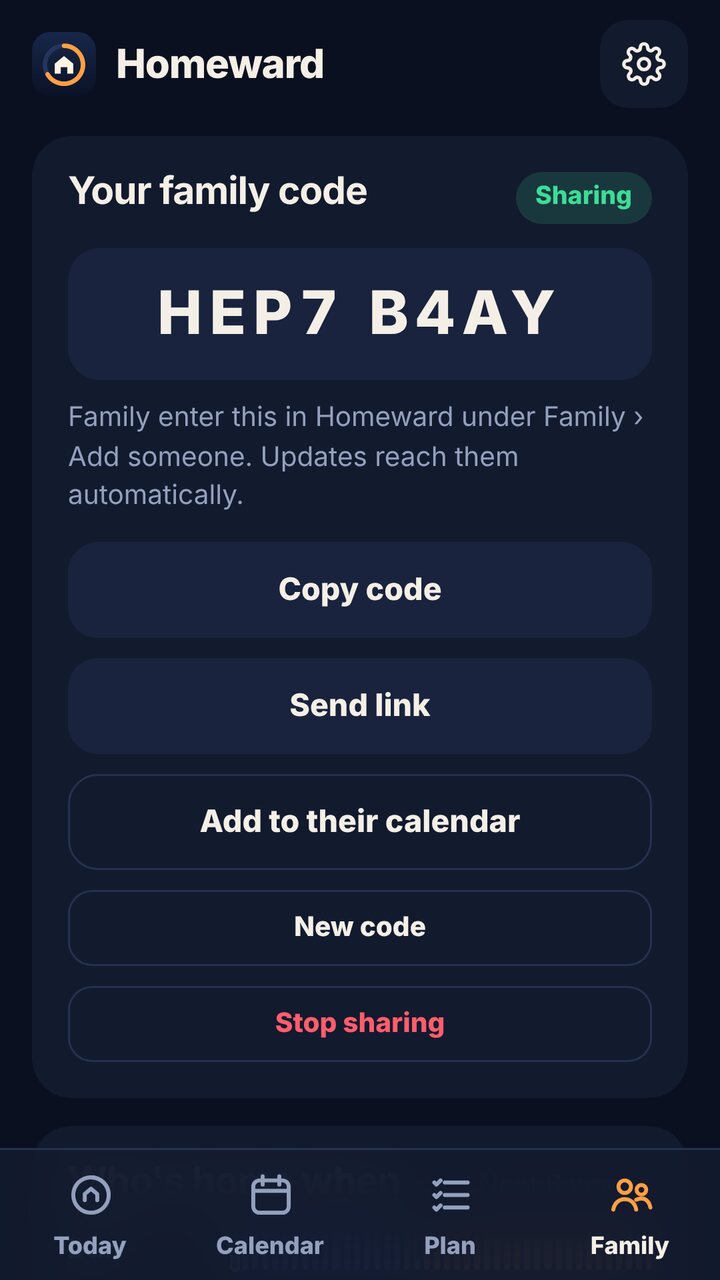
Share an 8-letter code. Your partner, kids or parents get their own countdown to you coming home. It's read-only and always up to date.
Lists that reset themselves
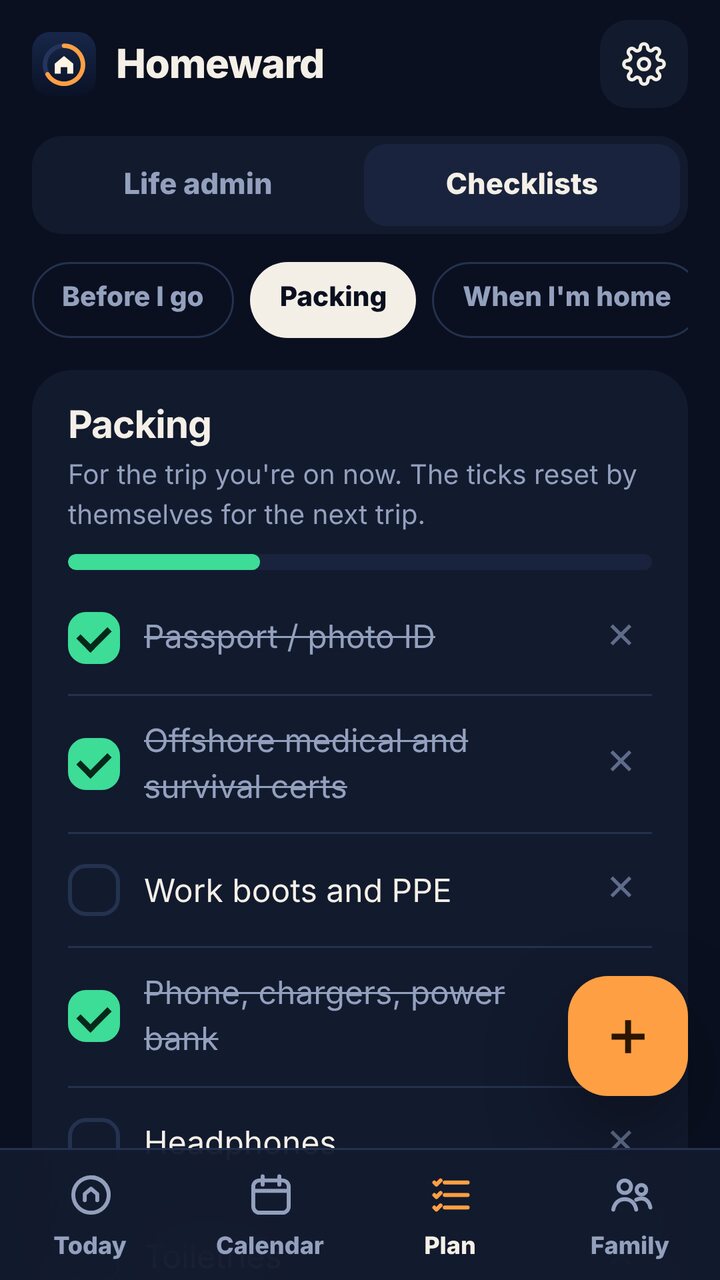
Before I go, Packing, and When I'm home. Tick through them each trip, and they're fresh again for the next one.
Any pattern
28/28, 21/21, 2-on-3-off, 8/6, 4-on-4-off, days and nights, or build your own. You can also start a new rota from a date when your contract changes.
Yours, privately
No ads and no tracking. Your plans stay on your phone and in your own Google Drive. Family only see what you choose to share.
How family sharing works
On the Family tab, tap Start sharing. You get a code like K7QF 2M9X.
Family install Homeward, choose Someone I love does and enter the code. You can also send a link that opens in any browser.
They see their own countdown, your calendar, and any dates you share. They can also subscribe in Google or Apple Calendar.
Two people on rotation? Follow each other and Homeward shows the next day you're both home.
Pricing
Free for nearly everyone, with a one-off Pro unlock.
Free
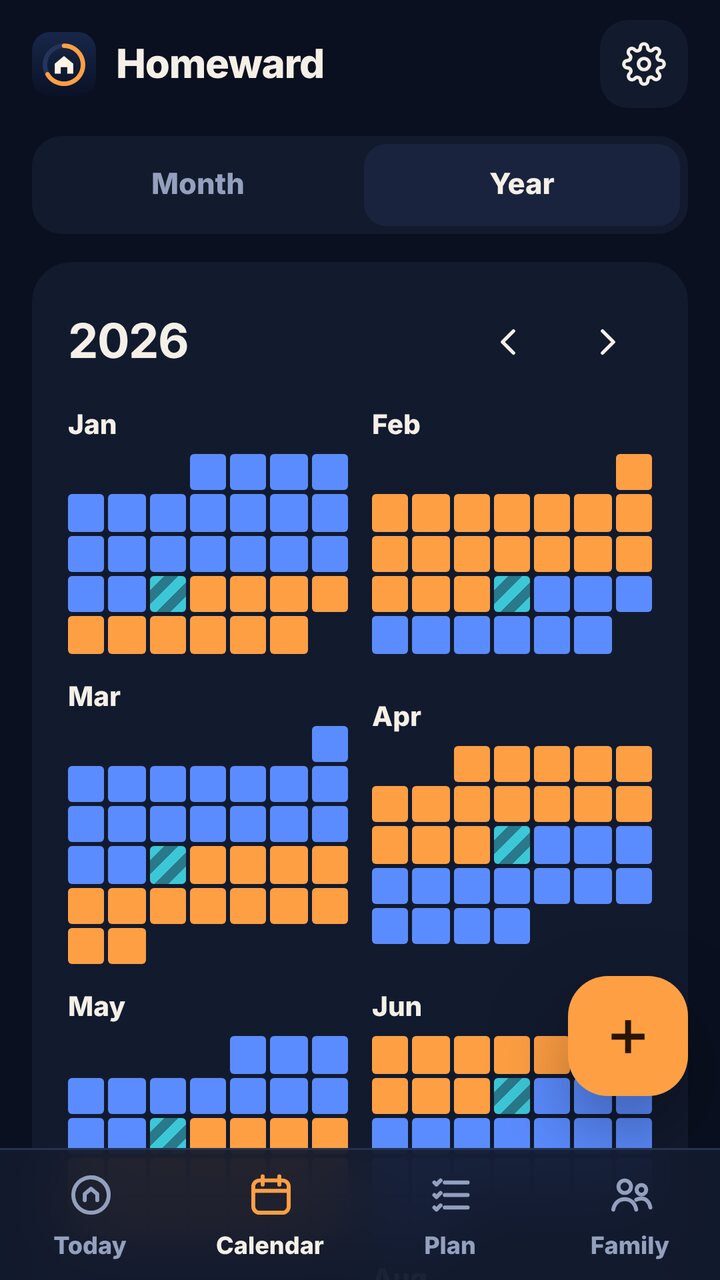
- Countdown, calendar and year view
- Life admin with clash warnings
- Self-resetting checklists
- Share with your whole family
- Follow one person
- Google sign-in and sync
Pro
- New rota from a date (keeps your history right)
- Follow as many people as you like
- Backup files
- Supports a small UK studio
Bought once on Google Play. It comes back on any device signed in to the same Google account.
FAQ
Does my family need an account?
No. They just enter your code. Signing in with Google is optional for everyone and only used to back up your own data.
What can my family see?
Your first name, which days you're working, travelling, on leave or home, and any events you tick "Share with family". Nothing else. They can't change anything.
My rota just changed. Do I start again?
No. Edit your rota, or with Pro, set a new rota from a date. Days you've swapped by hand stay as they are.
Does it work without signal offshore?
Yes. Everything works offline. Sync and family updates catch up when you're back online.
Can I stop sharing?
Any time. Stop sharing deletes your shared copy from our server straight away, and your old code and calendar link stop working.
Questions or ideas? support@gremlingarage.dev · Homeward privacy policy